
Compliance has always lived in too many places at a flight school. The student's medical is in one binder, the instructor's FIRC is in another, and the chief instructor finds out an aircraft is grounded right after the lesson is already on the schedule. We've spent the last few months connecting that. This release brings student compliance into the admin portal, makes scheduling aware of gaps before they cause problems, and ships iOS 2.2.4, a redesigned Compliance experience that puts members in charge of their own records.
You can finally see what your students are missing
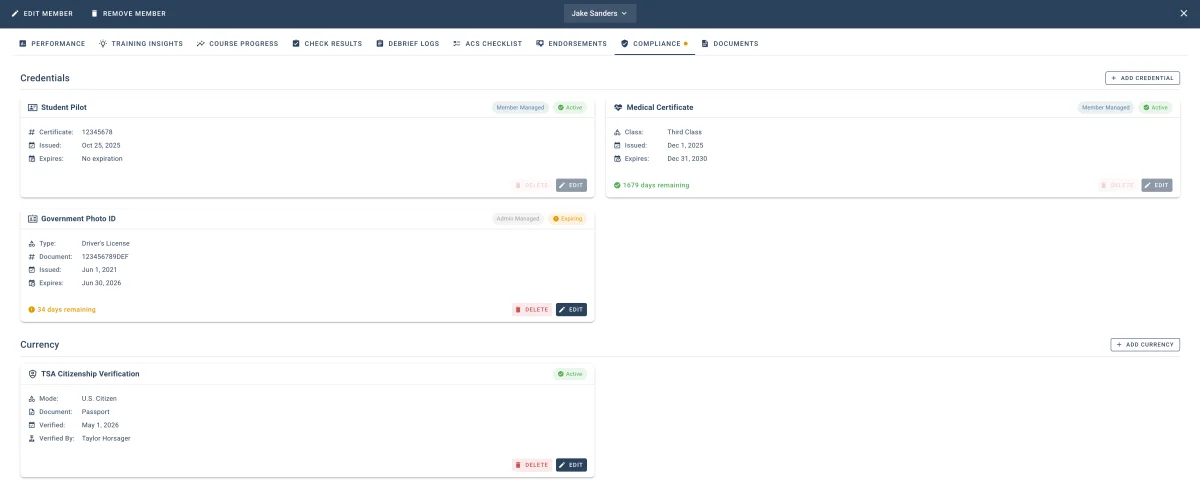
Until now, the admin portal could show you everything about an instructor's compliance, but student compliance lived only on the member's phone. That gap is closed. The new Student Compliance tab in Student Details surfaces the same record types administrators already had for instructors: Medical, Government ID, TSA documentation, Flight Review, FIRC, and airman certificates.
- Missing records appear as placeholder cards. You see what a student is missing before their next lesson, not after.
- Add on their behalf using the new Add Credential and Add Currency menus. Useful for members who haven't set up the mobile app yet.
- A compliance dot now appears on the Members table for students, matching what was already there for instructors.
No more guessing who owns each record
A quiet but important change in this release: members own their records through the mobile app, and the portal makes that explicit.
- A Member Managed chip appears on records the member entered themselves. Edit and Delete are disabled. Only the member can change them.
- Admin Managed chips appear on records administrators entered on a member's behalf.
- The Documents tab carries the same ownership signals onto attached files.
No accidental overwrites. No confusion about who's responsible for keeping a record current.
Stop discovering compliance gaps after the fact
Compliance gaps used to surface after the event was already saved. At best, an alert fires later. At worst, the FSDO asks about it. We pulled that detection earlier.
- The Add Event and Edit Event dialogs now display inline compliance chips beneath the Instructor, Student, and Aircraft selectors. You see the gap as you build the event, not after.
- Grounded status moves inline into the aircraft selector. No separate hunt for it.
- Member Alerts and Schedule Alerts dialogs now group issues by person (Instructor → Student → Aircraft) with a unified layout and consistent severity colors. Only expired records or grounded aircraft escalate to red.
Your members can now run their own compliance
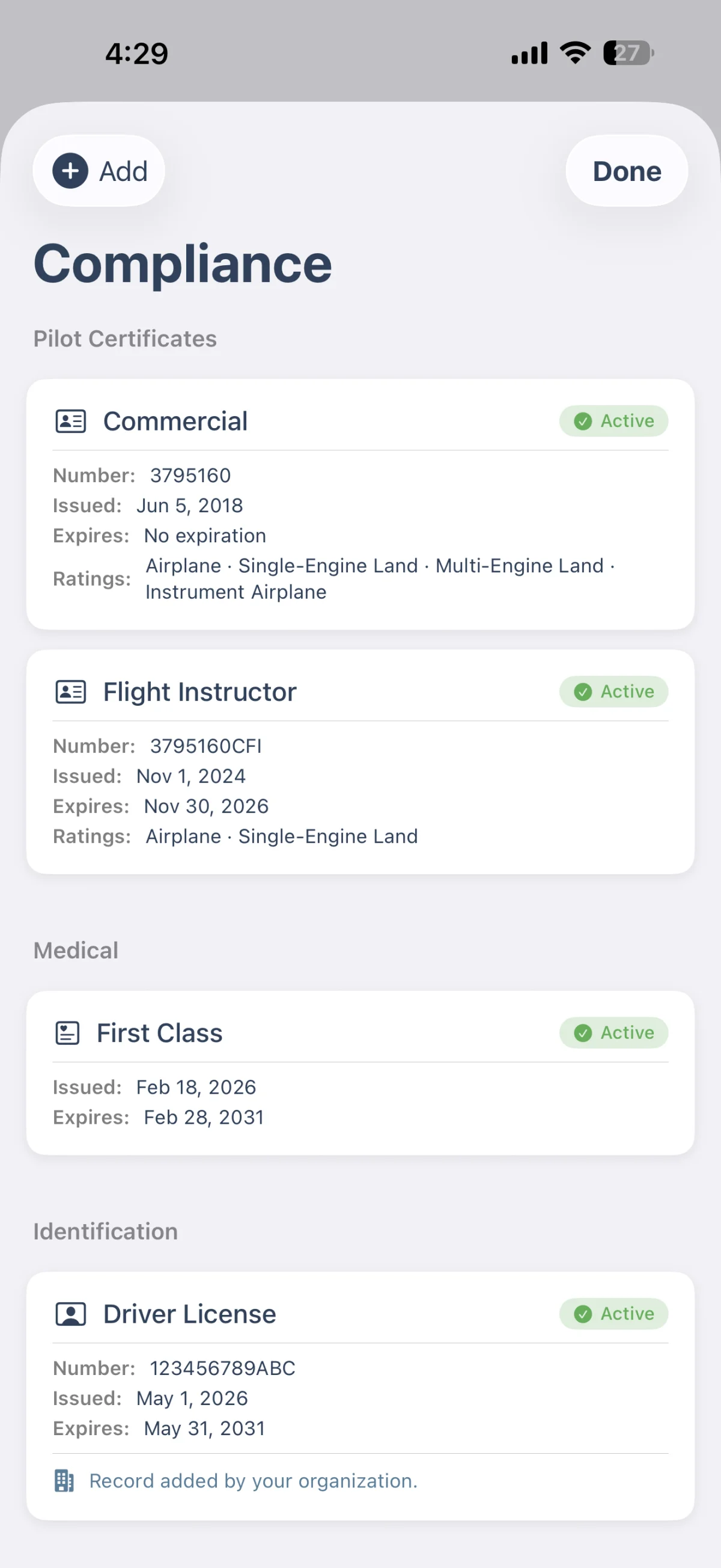
Certificates is now Compliance in iOS 2.2.4. The rename is the visible part; the bigger change is what's behind it. Members can manage their full compliance posture directly from the app, including medical, Flight Review, FIRC, and airman certificate with ratings. Attaching the supporting document is part of the same flow.
- Single-instance types (medical, government ID) have a clean replace flow. Adding a new one swaps the old rather than stacking duplicates.
- Existing certificates migrate automatically on first launch. Same records, new home under Compliance.
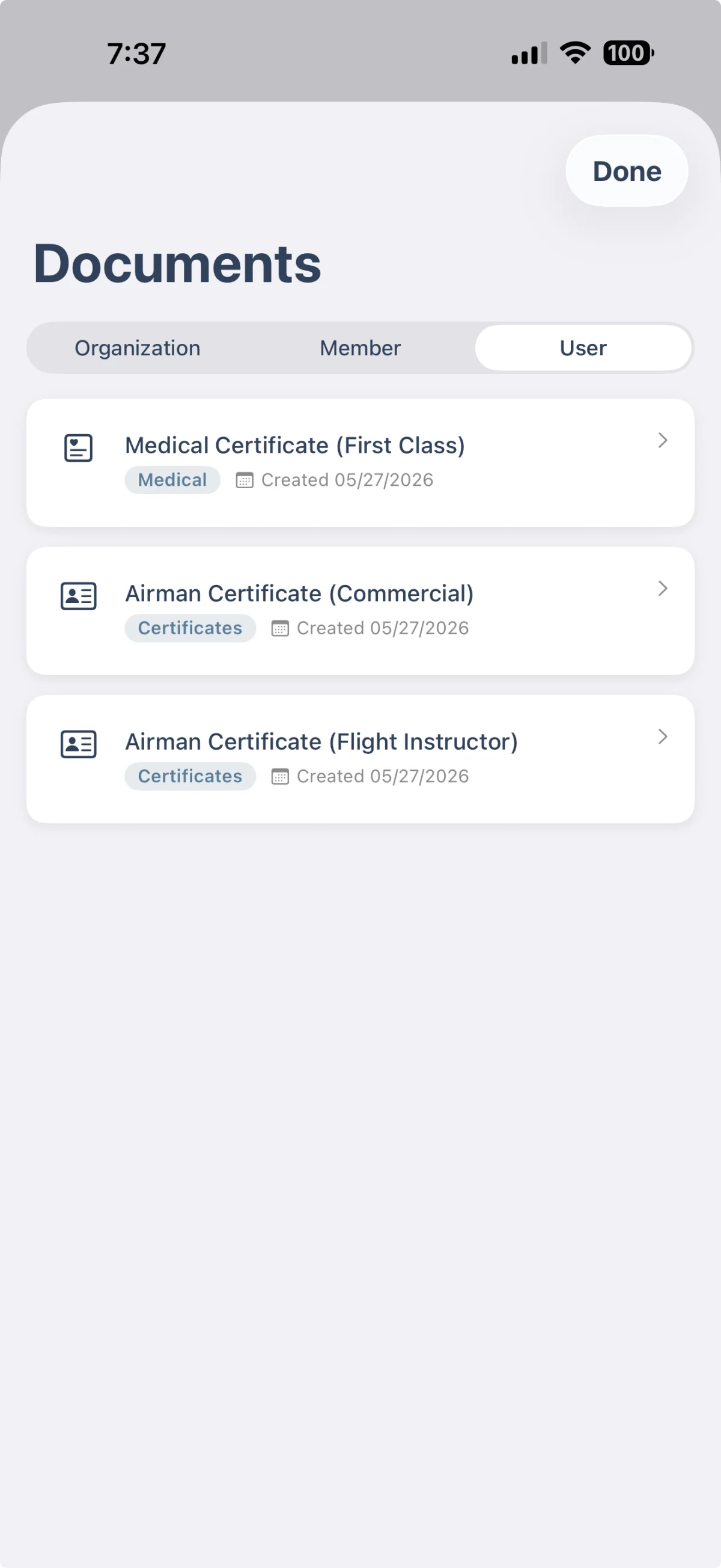
- A new Member Files section in the document library holds files linked to compliance records.
Training in one tap, not two
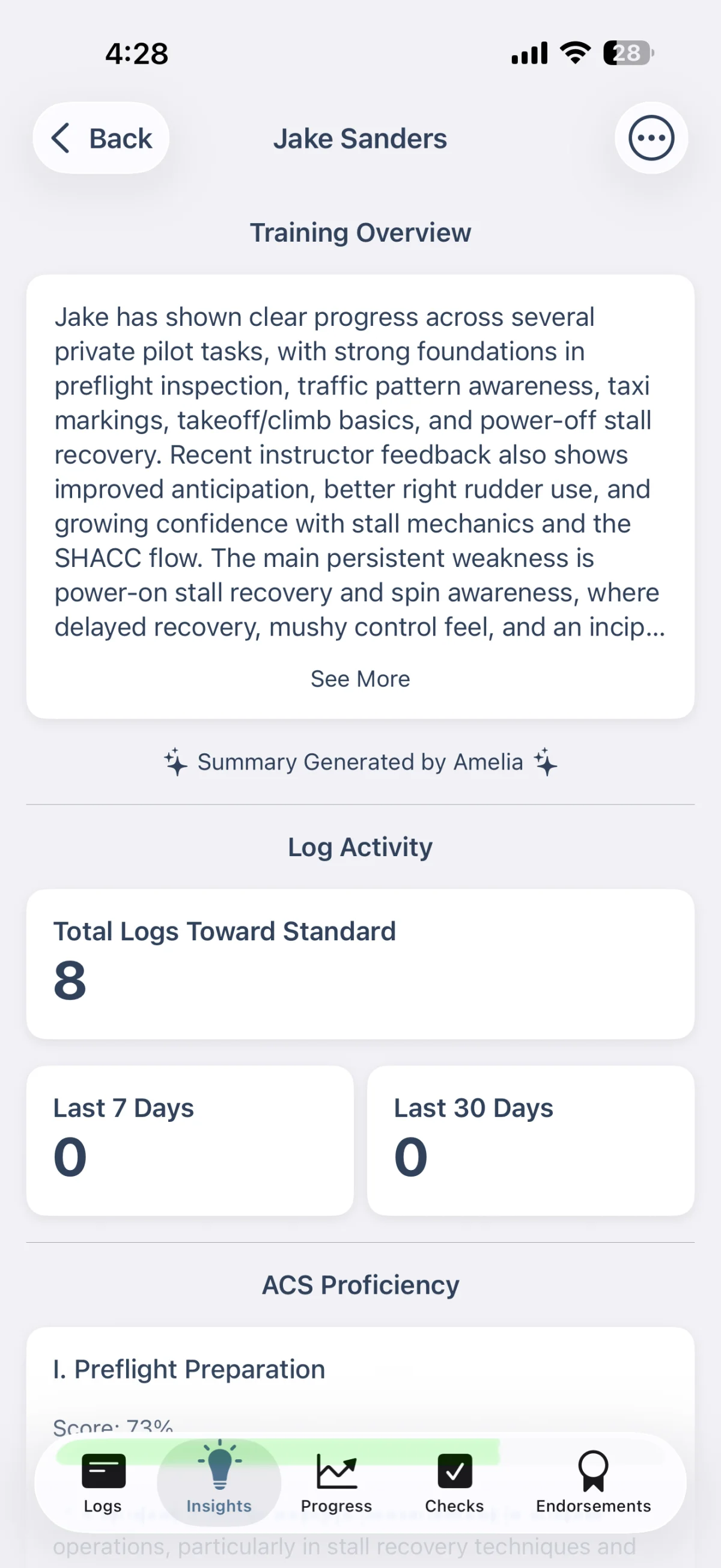
Five tabs replace the old Log menu and Student menu, putting training a single tap from anywhere in the app:
- Logs: recent training entries
- Insights: training overview and activity stats
- Progress: course progress and ACS checklist
- Checks: stage and end-of-course check results
- Endorsements: your endorsements
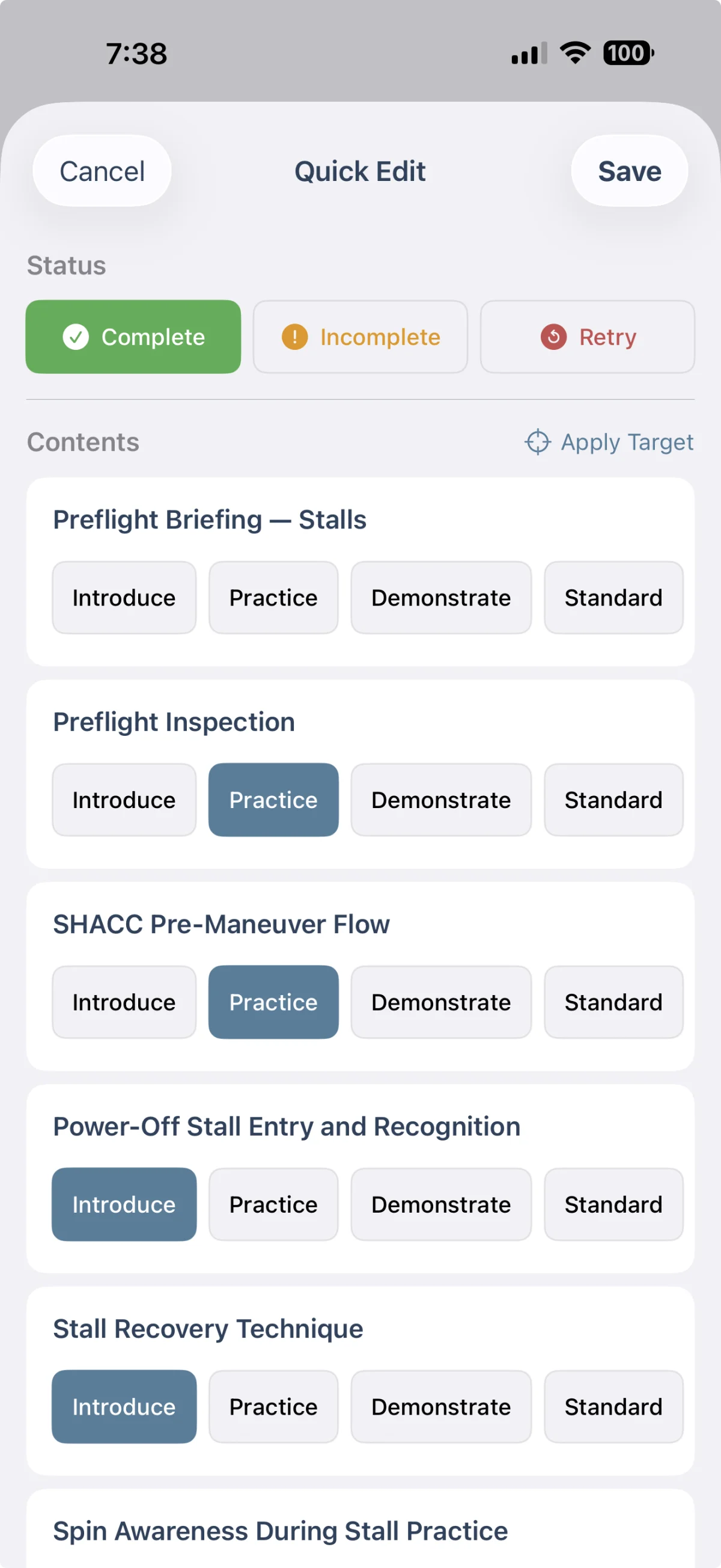
A new quick-entry sheet logs a single lesson in seconds, without navigating into the full lesson flow.
A couple of changes worth flagging
- Calendar columns in By Instructor and By Aircraft views now key by UID. Two people or aircraft with the same name no longer collapse into one column.
- The TSA citizenship dialog gains school-verification fields: Date Verified, Verifying Instructor, and TSA Approval Date. The FTSP pathway has a place to live now.
Your records aren't in three places anymore. Neither is the chief instructor's stress.